> For the complete documentation index, see [llms.txt](https://liiguide.docs.laws.africa/llms.txt). Markdown versions of documentation pages are available by appending `.md` to page URLs; this page is available as [Markdown](https://liiguide.docs.laws.africa/working-with-a-document/ask-questions-about-a-document-with-ai.md).
# Ask questions about a document with AI
The Ask AI tool helps you quickly understand any part of a legal document
1. Open the document you want to explore.
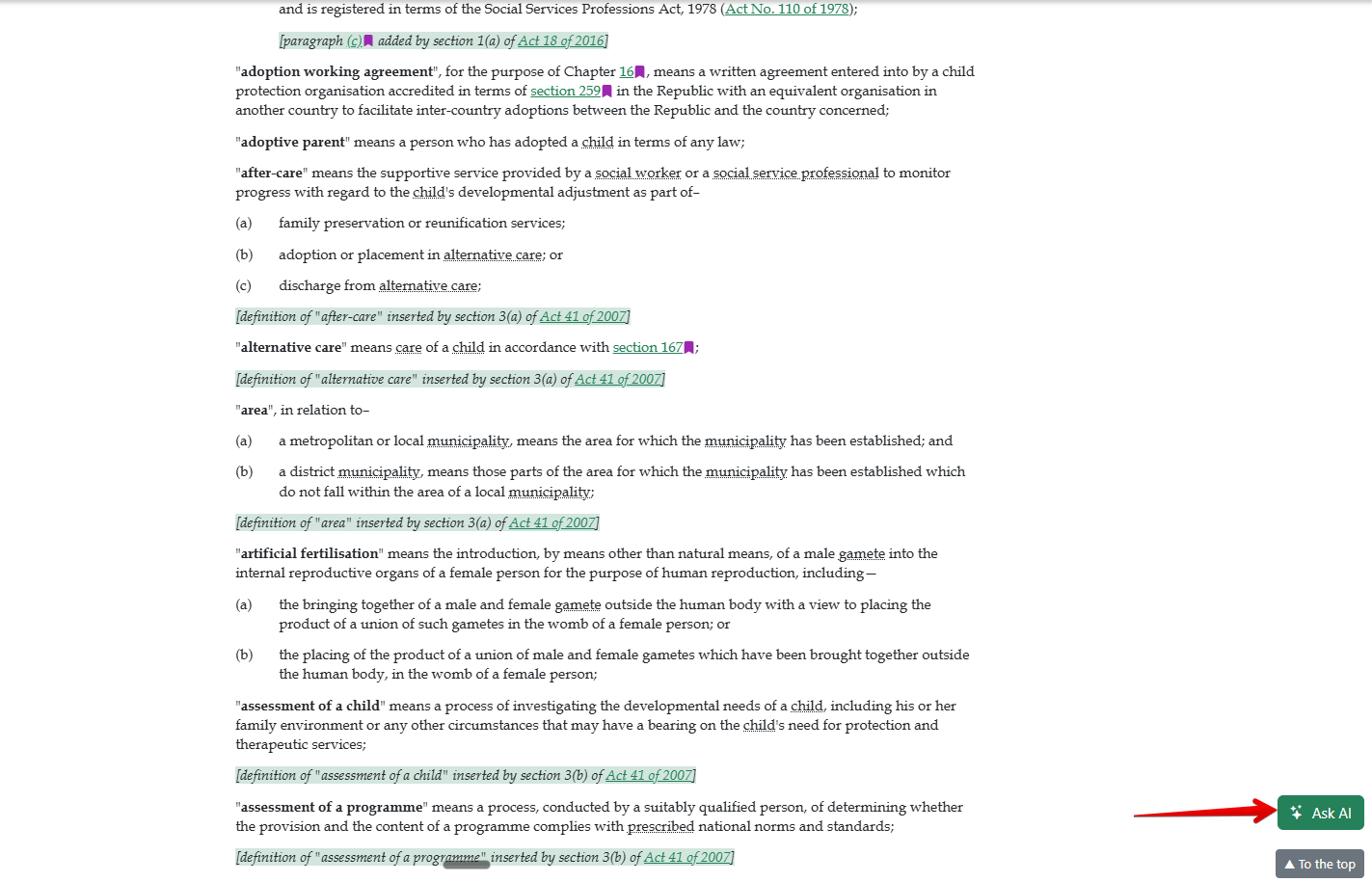
2. Click the **Ask AI** button in the bottom right corner of your page.
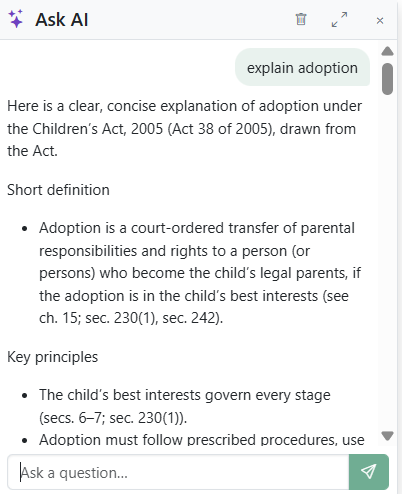
3. Type any question you want answered about the document.
4. **Ask AI** will analyze the document and respond. You can expand if the answer is long.
5. Ask follow-up questions.
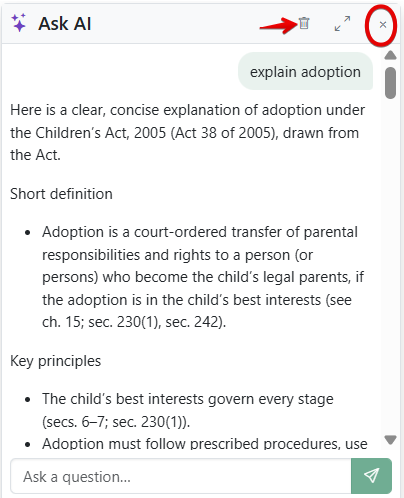
6. Remove a query by clicking the **trash/delete** icon next to it.
7. Click the **close icon** to collapse the dialog without deleting the conversation. You can pick up right where you left off when you return to that document.