> For the complete documentation index, see [llms.txt](https://liiguide.docs.laws.africa/llms.txt). Markdown versions of documentation pages are available by appending `.md` to page URLs; this page is available as [Markdown](https://liiguide.docs.laws.africa/finding-information/federated-search-on-africanlii.md).
# Federated search (AfricanLII)
This guide is to help users find related content either in the AU materials on AfricanLII.
## How to conduct Federated Search
1. Go to
2. Enter search terms or a document name in the search bar, and click **Search**
3. The documents that match your search are shown including the respective **jurisdiction** the documents belong in.
4. Narrow the results by using the **filters** on the left to pinpoint what you’re looking for.
5. Use the Sort by option to sort results by relevance or date.
## Focus results with filters
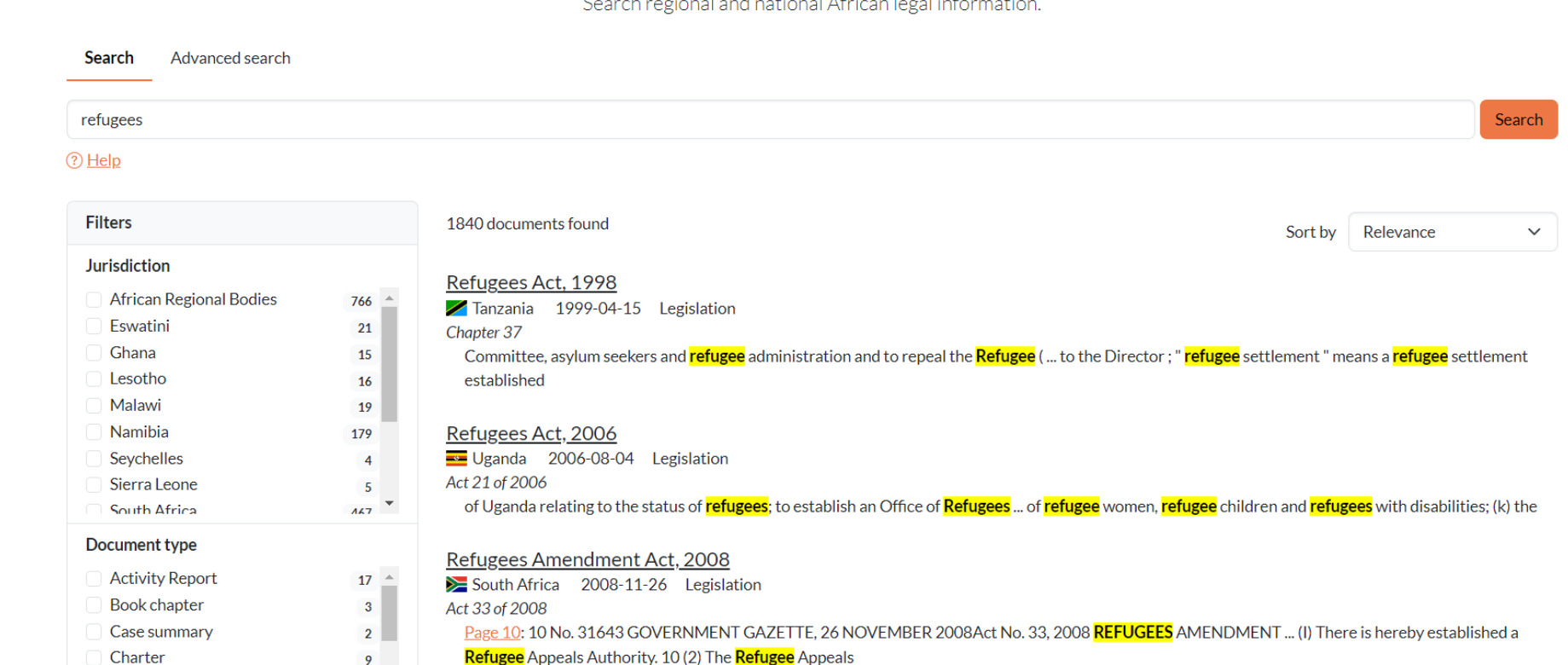
Here’s an example. A search for "[refugees ](https://africanlii.org/search/?q=refugees)"returns over 1840 documents.
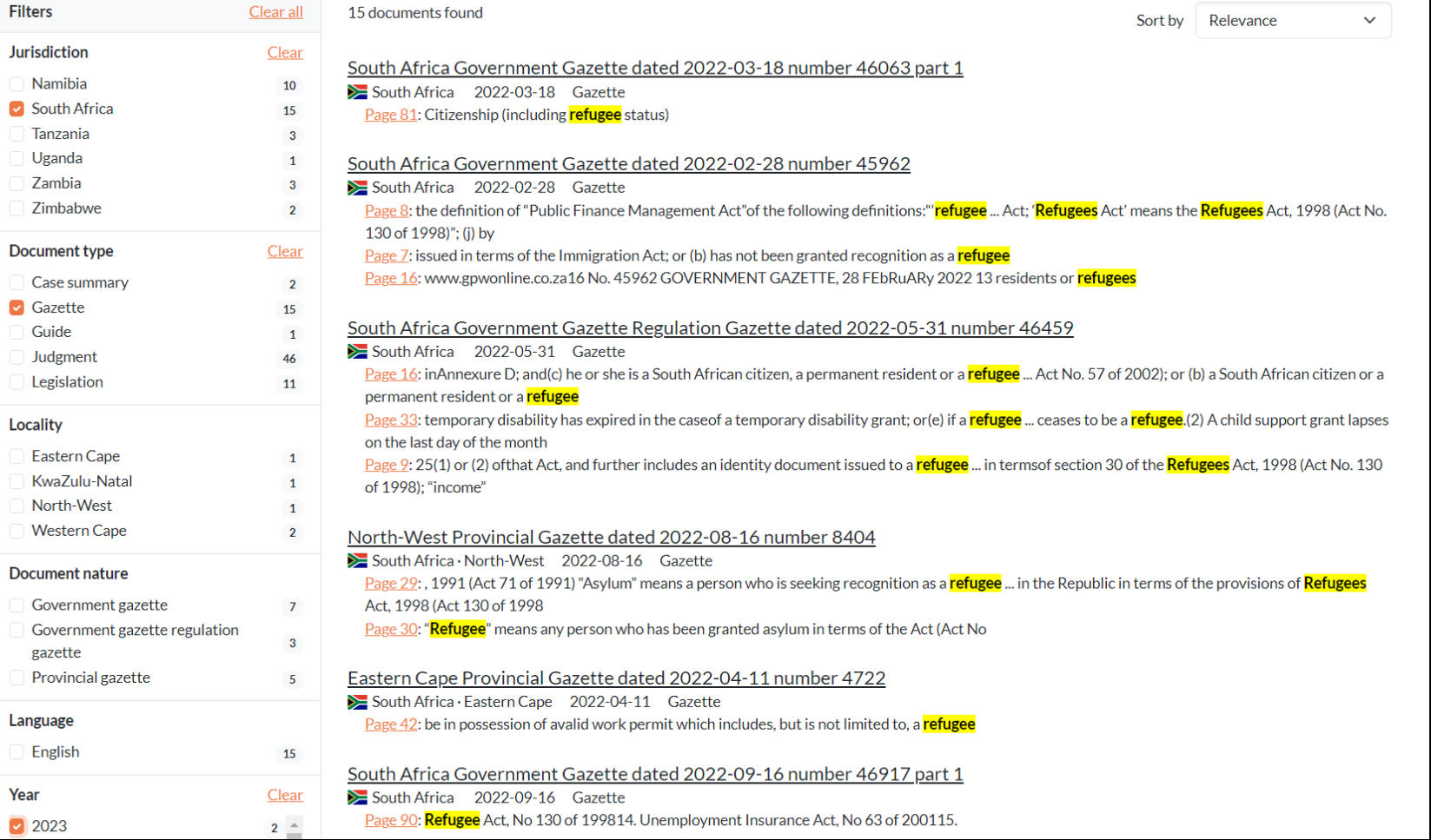
Apply multiple filters to refine your search. Let’s look for Gazettes with the term refugees from 2023 in South Africa.
Federated search makes it easy to find related information from various jurisdictions and regional bodies.